SKIES: Creating Skyboxes with Blender

Instructor:
Chunck Trafagander

With custom sky textures, the sky's the limit.

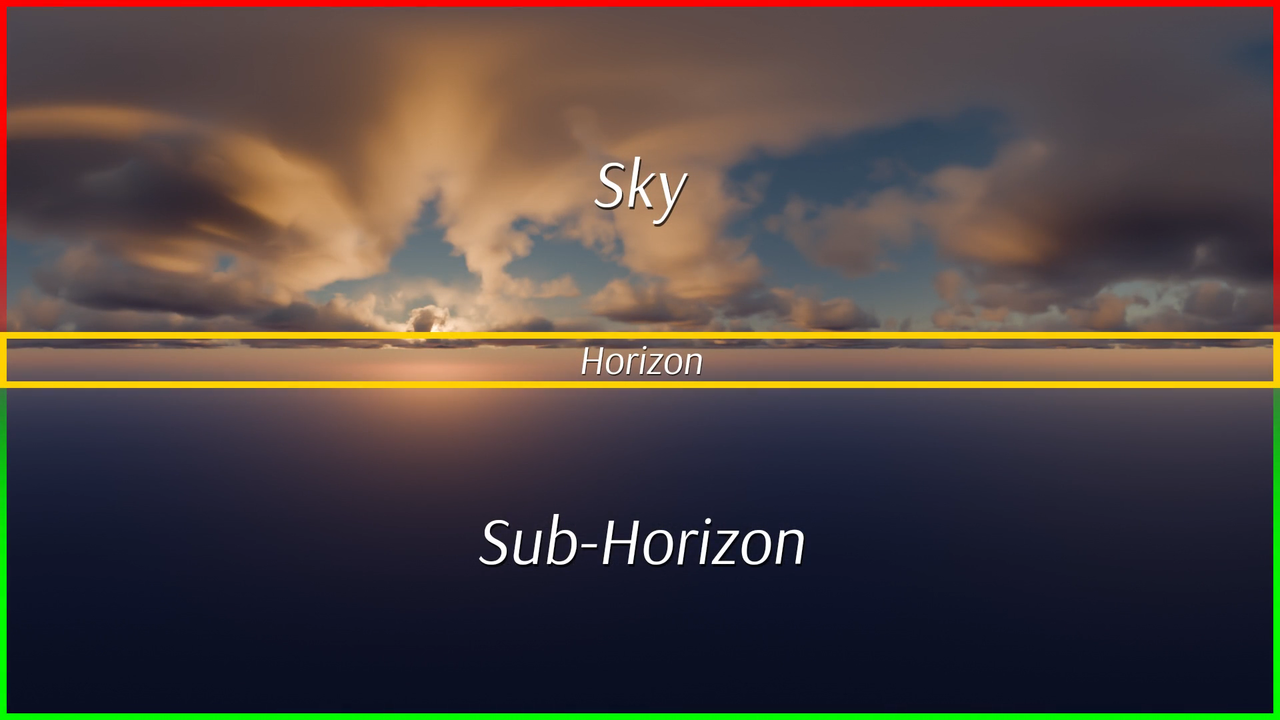
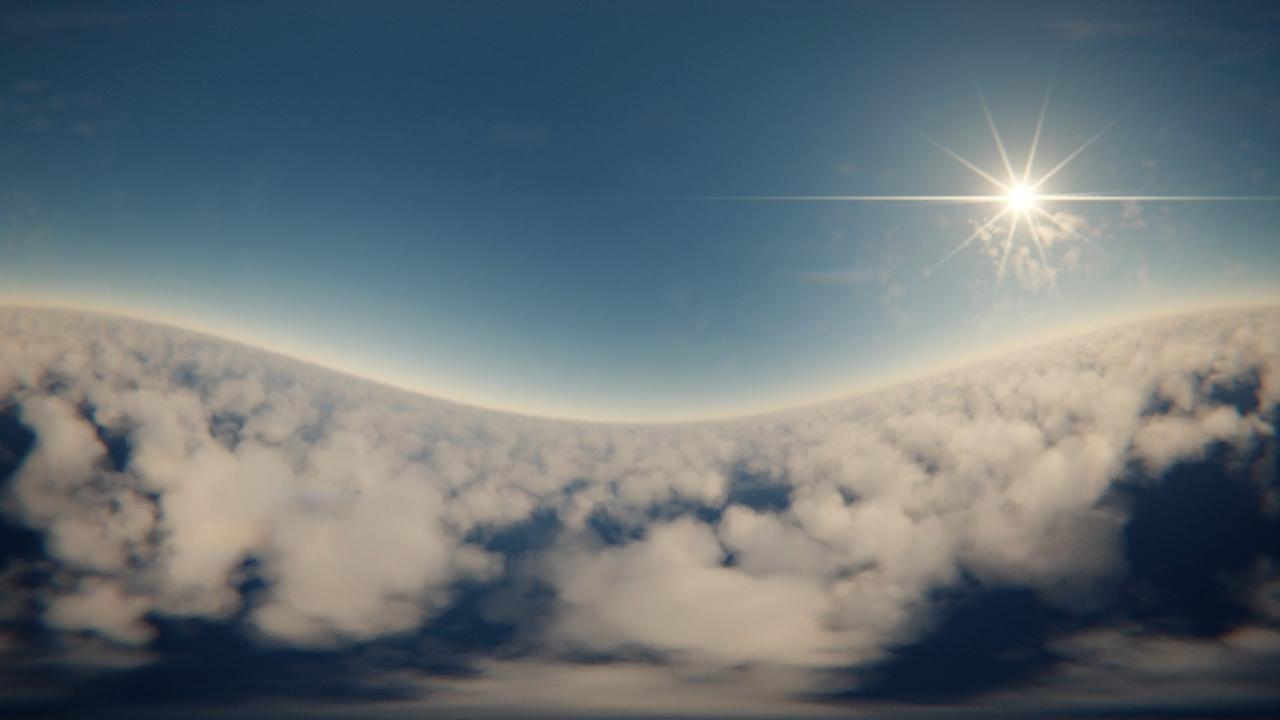
Skyboxes have many names: HDRI's, World Environments, and Equirectangular Maps. They all do the same thing: Fill a 3D space with an infinite source of sky texture and world-based lighting.

Skyboxes are often the unsung hero of all 3D worlds, from video games to rendered animations to VR/AR. It's common to utilize free HDRI's from places like Polyhaven.com. These are convenient but limited.

Did you know you can create custom skyboxes with Blender? With custom skyboxes you can create any mood, time of day, and output whatever resolution you need!

Get Caught Up

Are you brand new to Blender?

These courses should help you get up to speed in no time.
What you will learn

By the end of this course, you will have a comprehensive understanding of:

  • Purpose and anatomy of Skyboxes
  • Blender's dynamic Sky Texture
  • Building a robust, volumetric Cloudscape Shader from scratch
  • Rendering equirectangular cameras
  • Fixing UV seam artifacts in rendered skybox textures
  • Importing into the Godot game engine

While you can follow the steps with the provided course files, we highly encourage you to apply the knowledge and techniques demonstrated here to achieve your own unique skyboxes!

Chapter 1

Intro to Skyboxes

We begin with the essentials: What is a Sky Box? What are they used for? What is equirectangular projection? Once we're on the same page about what we're creating, we can make it!
Chapter 2

Creating 3D Skies with Blender

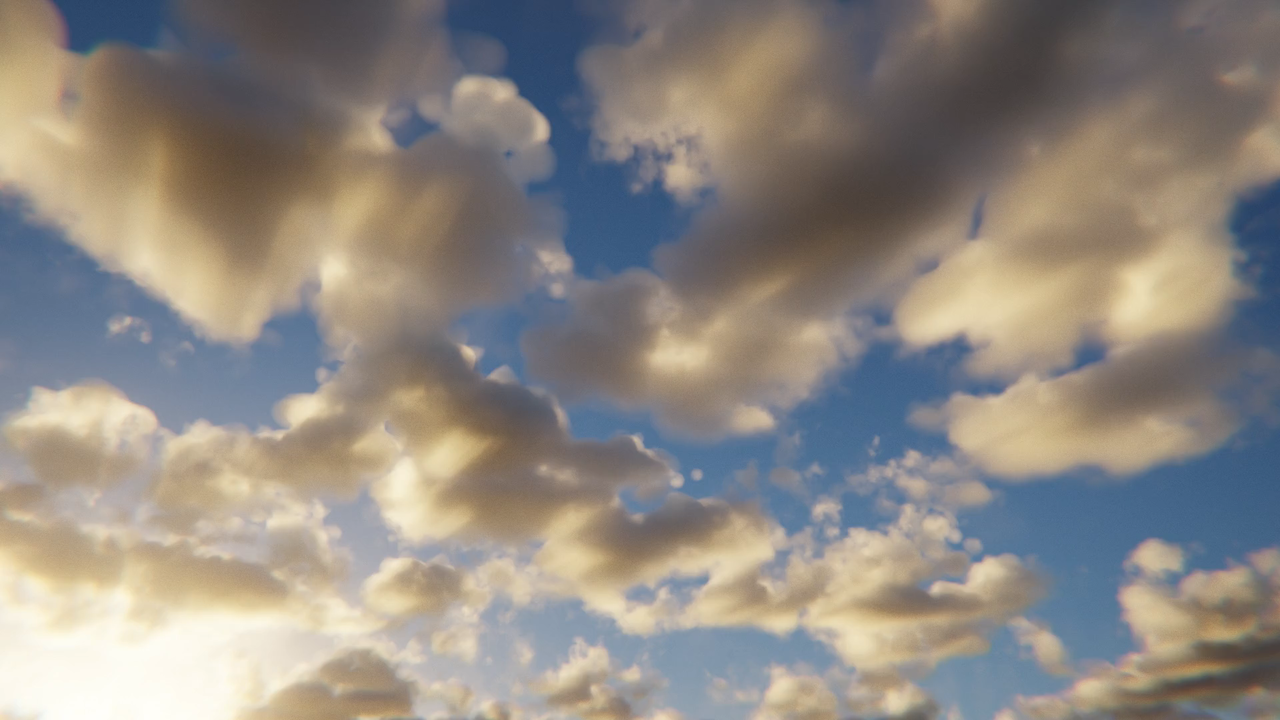
There are two critical components to making a sky: Blender's dynamic Sky Texture, which covers the sun, light, and color hues. Second is clouds. We'll build a custom cloudscape shader to produce realistic, volumetric clouds with tons of controls.
Chapter 3

Cleanup & Import into Game Engine

Rendering equirectangular sky textures often results in noticeable discrepancies along seam lines. We'll correct those in Blender and then import the finished map into the Godot game engine.

ABOUT THE INSTRUCTOR

Chunck Trafagander

Hello there! As a Biome Artist at Mighty Canvas Inc, I spend most of my days creating game assets. By night, I'm an instructor teaching Blender, Instamat, and Substance mostly. Check out my other courses for CG Cookie as well as my YouTube channel if you're interested!

Get this course and 285 others by joining CG Cookie
Awarded upon completion:
100xp +
Course Curriculum
2 Reviews
  • Carramone ·
    Chunck is a great teacher and really thorough and I found it easy to follow along. I learnt a lot, not only about Skyboxes.

    I had some issues with my own skybox but I got all the pointers I needed to solve the problem. I would recommend this course to everyone.
    • author Chunck Trafagander(Chunck) ·

      It's been my pleasure! Thank you for checking out the course and for sharing your results with me. I'm glad we were able to find some form of solution to your issues. 😄
      Thank you tremendously for the recommendation, and happy blending!

  • techworker1 ·

    This course was useful and easy to follow. Explanations were clear.

    • author Chunck Trafagander(Chunck) ·

      I'm glad that you were able to follow easily enough, thank you for checking out the course! :D